How GitHub Actions Simplified Deployment in My Large Project

How GitHub Actions Simplified Deployment in My Large Project

How automated CI/CD pipelines transformed deployment from a manual headache into an effortless, consistent process that saves hours every week.

Ravi Chaudhari
Ravi Chaudhari17 Jan, 2026 · 6 min read

Introduction

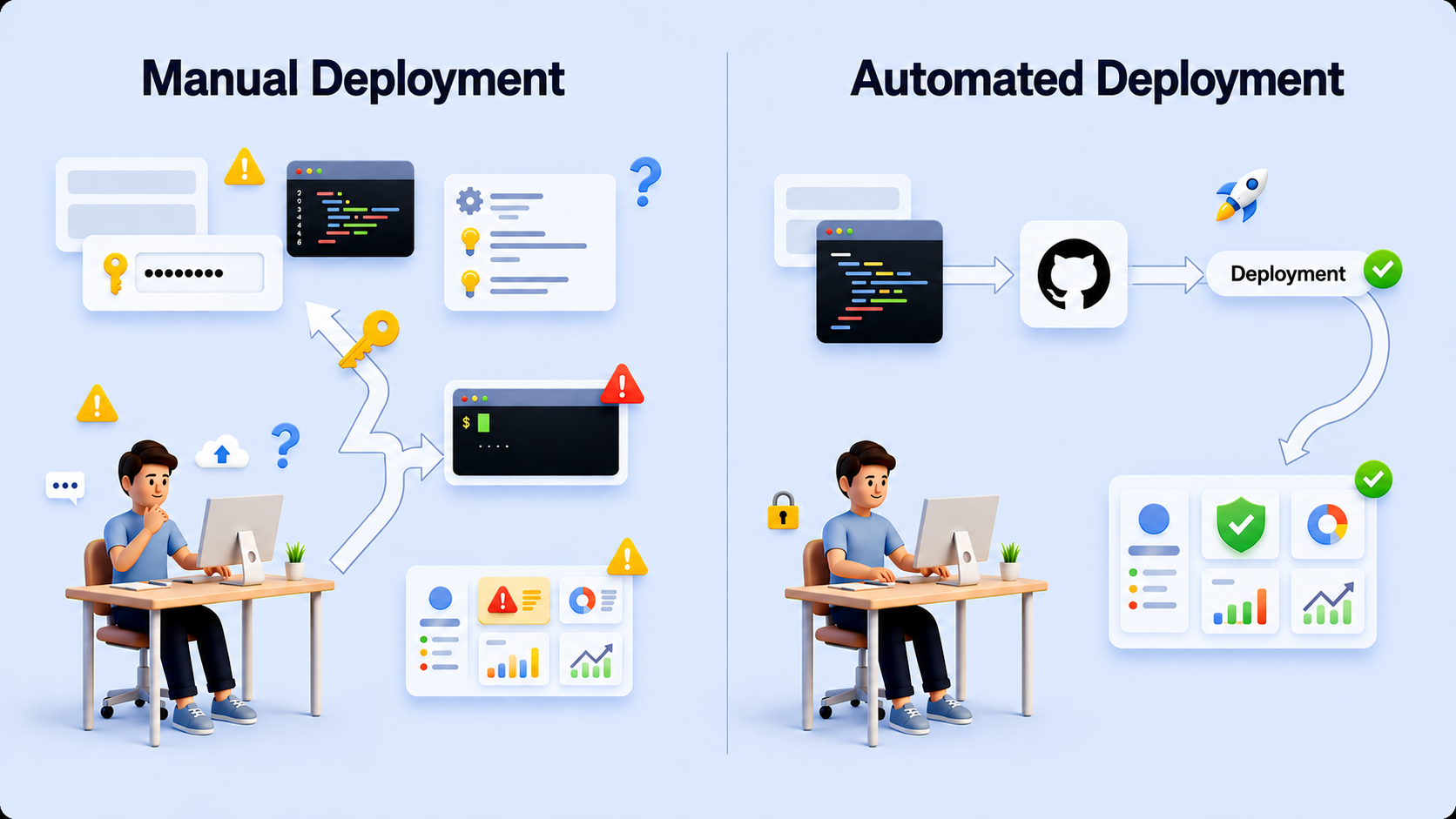
In large projects, deployment is always a headache.

Multiple environments, manual steps, server access, configuration mistakes — one small error and the whole release gets delayed.

But what if I tell you that your project can deploy itself automatically every time you push production-ready code?

Yes, that's exactly what GitHub Actions and CI/CD pipelines make possible.

In this blog, I want to share my real experience of setting up GitHub Actions for automated deployment and how it completely changed the way I ship updates.

Why Automated Deployment Matters in Large Projects

When projects grow:

  • Manual deployments take time
  • Human errors increase
  • Rollbacks become stressful
  • Teams depend on one person to deploy

I faced all of this.

So I decided to invest time once to set up a proper CI/CD workflow, knowing that it would save me hours every week in the long run.

My Experience with GitHub Actions CI/CD Pipeline

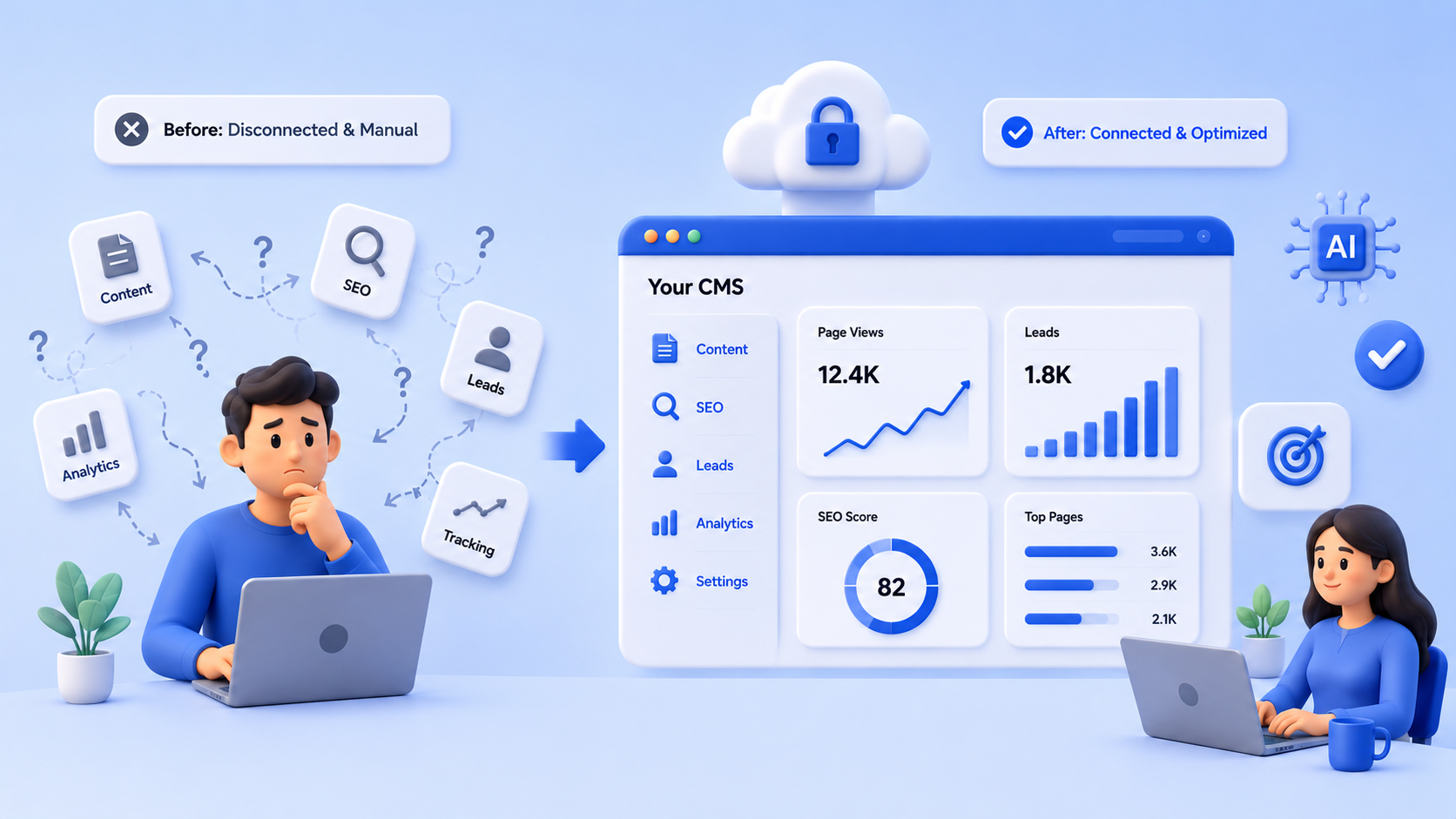
Everyone knows about GitHub Actions, but knowing what it is and using it properly are two very different things.

Initially, I spent a good amount of time:

  • Understanding how workflows work
  • Figuring out when and how they should trigger
  • Designing a safe production deployment flow

But once the workflow was ready, something amazing happened.

New versions started deploying in just a few minutes — automatically.

No manual login.

No repetitive steps.

No stress.

How My Deployment Workflow Works (High Level)

I created a deployment workflow that runs only when production-ready code is merged.

Workflow Trigger

The workflow is designed in a way that:

Whenever any branch is merged into the production branch

The deployment process starts automatically

This ensures:

  • No accidental deployments
  • Full control over production releases
  • Clean and predictable deployment behavior

What Happens When the Workflow Runs

Once code is merged into the production branch, the GitHub Actions workflow starts automatically and follows a clear, structured deployment process.

Here's what happens step by step:

  • Sets up a secure server connection - The workflow first prepares a secure connection so it can safely communicate with the production server.
  • Tests the server connection - Before doing anything important, it verifies that the server is reachable and accessible.
  • Pulls the latest code from the repository - The newest version of the project is fetched to ensure the server always runs the latest production-ready code.
  • Creates the production environment configuration file - Required environment values are prepared on the server for the production environment.
  • Verifies the environment configuration - A quick validation is done to confirm the configuration file is correctly created and ready to use.
  • Deploys the application using containers - The application is deployed in a controlled and consistent environment to avoid dependency and runtime issues.
  • Checks database migrations and background processes - The workflow monitors critical background steps to ensure data and application state remain consistent.
  • Waits for all services to become healthy - It pauses until every service is fully up and running, avoiding partial or broken deployments.
  • Verifies environment variables inside running containers - Confirms that all required environment values are correctly loaded where the application actually runs.
  • Checks application logs - Logs are reviewed to detect any hidden errors or warnings during startup.
  • Performs an application health check - Finally, it confirms that the application is live, stable, and responding as expected.

The Biggest Benefit I Noticed

The biggest win was not speed — it was peace of mind.

Now:

  • I just merge code to the production branch
  • GitHub Actions takes care of the rest
  • Deployment happens consistently every time
  • I can focus on building features instead of deploying them

What once felt complex now feels effortless.

Final Thoughts

Setting up GitHub Actions for CI/CD may take time initially, especially for large projects — but it's a one-time investment with long-term benefits.

If you're still deploying manually, I highly recommend:

  • Start small
  • Automate step by step
  • Build confidence in your workflow

Once done, you'll wonder how you ever worked without it.

Share :