Best CMS for Small Business Websites in 2026
How to choose the right CMS for growth, flexibility, and real-world needs in 2026

Introduction
Many small businesses build websites, but struggle to turn them into a consistent source of traffic and leads.
In 2026, a website alone is not enough. The system behind it plays a major role in how it performs. A Content Management System is no longer just a publishing tool. It directly affects how your website ranks, how users interact with your content, and how effectively you generate leads.
The common mistake is choosing a CMS based on features, pricing, or popularity. While these factors matter, they often ignore what actually drives results.
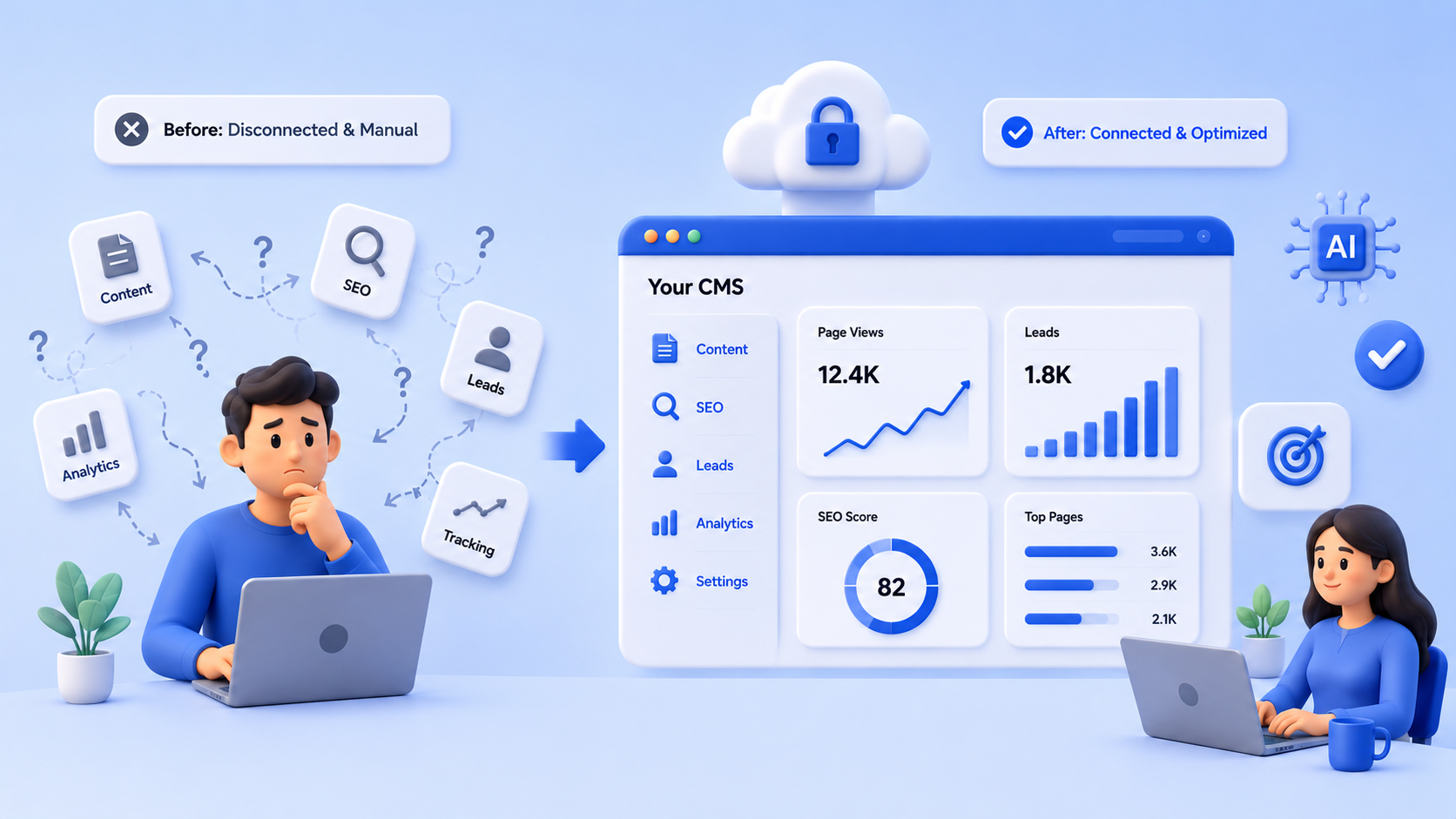
A CMS should be seen as a growth system. It connects SEO, content, and lead generation into a single workflow.
This guide will help you quickly understand what matters, compare your options, and choose the right CMS based on your business needs in 2026.
Why Your CMS Decision Impacts Growth
A CMS does more than manage content. It influences how your website performs at every stage of growth.
SEO → Traffic → Engagement → Leads → Revenue
Your CMS affects each step in this process.
It controls how easily you can optimize pages for search, how consistently you can publish content, and how effectively you can capture and track leads.
If your CMS limits any of these, your growth slows down.
A CMS does not directly generate leads, but it controls every step that leads to them.
What Small Businesses Actually Need (Quick View)
Small businesses do not need complex or enterprise-level systems. They need a CMS that supports practical, everyday growth.
The key requirements are simple:
- easy content management
- SEO control
- lead capture
- scalability
If your CMS supports these well, it can help you grow consistently. If not, it can become a bottleneck.
CMS Types Explained (Only What Matters)
Not all CMS platforms are built the same. Each type is suited for a different stage of business.
Traditional CMS
Simple and easy to use. Best for small websites that need a quick setup.
Limitation: less flexibility as you grow
Headless CMS
Content is managed separately and delivered via APIs.
Best for growing businesses that need performance and scalability
Limitation: requires technical setup
Hybrid CMS
A mix of traditional and headless approaches
Best for businesses that want flexibility without full complexity
Top CMS Choices for Small Businesses in 2026
In 2026, the best CMS is not about popularity. It is about how well it fits your current stage and future growth.
Beginner CMS
Wix, Webflow
Best for: quick launch and simple websites
Limitation: limited flexibility as you grow
Flexible CMS
WordPress
Best for: customization and growing websites
Limitation: requires maintenance and plugin management
Scalable CMS
Headless CMS
Best for: performance and scalability
Limitation: requires development resources
Modern Content Systems
A newer approach focused on combining content, SEO, and tracking into a single workflow.
Best for: businesses that want structured growth and less dependency on developers

Comparison Overview
How to Choose the Right CMS (Quick Framework)
Choosing a CMS becomes easier when you follow a simple process:
- define your goal (traffic, leads, or growth)
- evaluate your team capability
- match CMS type to your needs
- think about future growth
This approach helps you avoid overcomplicating the decision and choose a system that fits your business.
Real-World Scenario
Many small businesses invest in building a website, but struggle to turn it into a consistent source of growth. In most cases, the issue is not effort, but the system behind the website.
Before
A typical scenario starts with a website built on a simple CMS. The website looks good, but over time problems start to appear.
Content updates become slow because they require technical support. SEO improvements are difficult to implement due to limited control. Even when blogs are published, they do not perform well in search.
Marketing efforts may bring traffic, but there is no clear system to capture or track leads. As a result, the website becomes a static presence instead of a growth channel.
After
After moving to a more structured CMS setup, the workflow becomes much more efficient.
Content can be created and published consistently without depending on developers. SEO elements such as metadata and URLs are easier to manage. Pages load faster and are better structured for search engines.
Lead capture systems, such as forms and calls to action, are properly integrated. Tracking systems help identify where leads are coming from and which campaigns are performing.
Result
With these changes, the website starts functioning as a growth system.
Search visibility improves, users engage more with content, and lead generation becomes more consistent. Instead of relying only on external marketing, the website itself contributes to business growth.
This shift is not about using a specific tool. It is about choosing a CMS that supports content, SEO, and lead generation as a connected system.
CMS Evaluation Checklist
Choosing a CMS becomes easier when you have a clear way to evaluate it. Instead of comparing features one by one, use this checklist to quickly understand whether a CMS can support your business growth.
SEO
- Can you edit meta titles and descriptions easily
- Can you control URL structure
- Does it support sitemap generation
Performance
- Does the website load quickly
- Does the CMS support performance optimization
Content
- Is it easy to create and update content
- Does it support structured content management
Lead Generation
- Can you create forms and capture leads
- Does it support clear calls to action
- Can you track where leads are coming from
Integration
- Does it integrate with CRM systems
- Does it support analytics tools
Scalability
- Can it handle increased traffic
- Can it support future growth and additional features
If most of your answers are no, your current CMS may be limiting your ability to generate leads and grow your business.
A good CMS should make these capabilities easy to manage and improve over time.
How CMS Impacts ROI
A CMS is often treated as a one-time setup decision, but in reality, it has a direct impact on how your website performs over time and how effectively it contributes to your business.
The return on your website is not just based on design or traffic. It depends on how well your system converts that traffic into meaningful outcomes.
When the CMS is Limiting
If your CMS does not support SEO, performance, and lead capture effectively, your marketing efforts may not deliver expected results.
You may invest in content or campaigns, but struggle to rank in search results. Even when users visit your website, slow performance or poor structure can reduce engagement.
Without proper lead capture and tracking, it becomes difficult to understand what is working and where opportunities are being lost.
In this situation, time and resources are spent, but the return remains low.
When the CMS Supports Growth
A well-structured CMS improves how your website performs at every stage.
It helps you create SEO-friendly pages that attract relevant traffic. It allows you to publish content consistently and improve user experience. It supports forms, calls to action, and tracking systems that convert visitors into leads.
When these elements work together, your website becomes a system that supports consistent growth.
Connecting CMS to Business Outcomes
The impact of a CMS can be understood through a simple flow:
SEO → Traffic → Leads → Revenue
Each stage depends on how well your CMS supports it.
A CMS does not directly generate revenue, but it influences every step that leads to it. Choosing the right system helps you improve efficiency and increase the return on your efforts over time.
Future Trends in CMS for 2026
The way businesses use CMS platforms is evolving. In 2026, the focus is shifting from basic content management to systems that support flexibility, performance, and long-term growth.
Understanding these trends can help you choose a CMS that remains relevant as your business scales.
AI in Content Management
AI is becoming a part of many CMS platforms. It can assist with content suggestions, basic optimization, and workflow improvements.
However, it should be seen as a support tool, not a complete solution. The core structure of your CMS still plays a bigger role in long term performance.
Composable Systems
Modern CMS platforms are moving toward a composable approach. This means businesses can connect different tools and services instead of relying on a single system.
This provides more flexibility, but also requires proper planning to manage different components effectively.
Multi-Channel Content Delivery
Websites are no longer the only place where content is consumed. Businesses are publishing content across multiple platforms such as mobile apps, social channels, and other digital touchpoints.
A CMS that supports multi-channel delivery helps you reuse content and maintain consistency across platforms.
Content Reuse and Structured Publishing
Structured content is becoming more important. Instead of creating isolated pages, businesses are organizing content in a way that can be reused across different formats.
This improves efficiency and helps maintain consistency as your content grows.
The goal is not to adopt every new trend, but to understand which ones align with your business needs. Choosing a CMS that supports flexibility and growth will help you stay prepared for future changes.
FAQ
What is the best CMS for small business websites in 2026?
The best CMS depends on your business goals and growth plans. A good CMS should support SEO, content management, and lead generation instead of just website creation.
Which CMS is easiest for beginners?
Platforms like Wix and Webflow are easier to use and allow quick website setup without technical knowledge. They are suitable for simple websites but may have limitations as your business grows.
Is WordPress still a good choice in 2026?
WordPress is still widely used because of its flexibility. It works well for growing businesses, but it requires ongoing maintenance and proper setup to avoid performance issues.
Should small businesses use headless CMS?
Headless CMS is useful for businesses that are planning to scale and need better performance and flexibility. It may not be ideal for teams without technical support.
Does a CMS affect SEO?
Yes, a CMS directly affects SEO. It controls how you manage metadata, URLs, and site structure, which influence your visibility in search results.
Do I need a developer to manage a CMS?
It depends on the CMS. Some platforms are designed for non-technical users, while others may require development support for setup and customization.
How does CMS impact lead generation?
A CMS affects how you capture and track leads. Features like forms, calls to action, and tracking systems help convert visitors into leads and measure performance.
These answers address common questions and help you make a more informed decision when choosing a CMS for your business.
Next Steps
If you are planning to build a new website or improve your current one, taking a structured approach to choosing a CMS can help you avoid common mistakes.
Start by reviewing your current CMS using the checklist in this guide. Identify where it supports your goals and where it may be limiting your ability to grow.
If you are exploring new options, compare CMS platforms based on your business needs, team capability, and future plans rather than just popularity or cost.
In many cases, discussing your requirements with experienced teams can also help you gain clarity and make a more confident decision.
The right CMS decision can save time, reduce long-term costs, and create a strong foundation for consistent business growth.
Featured Posts
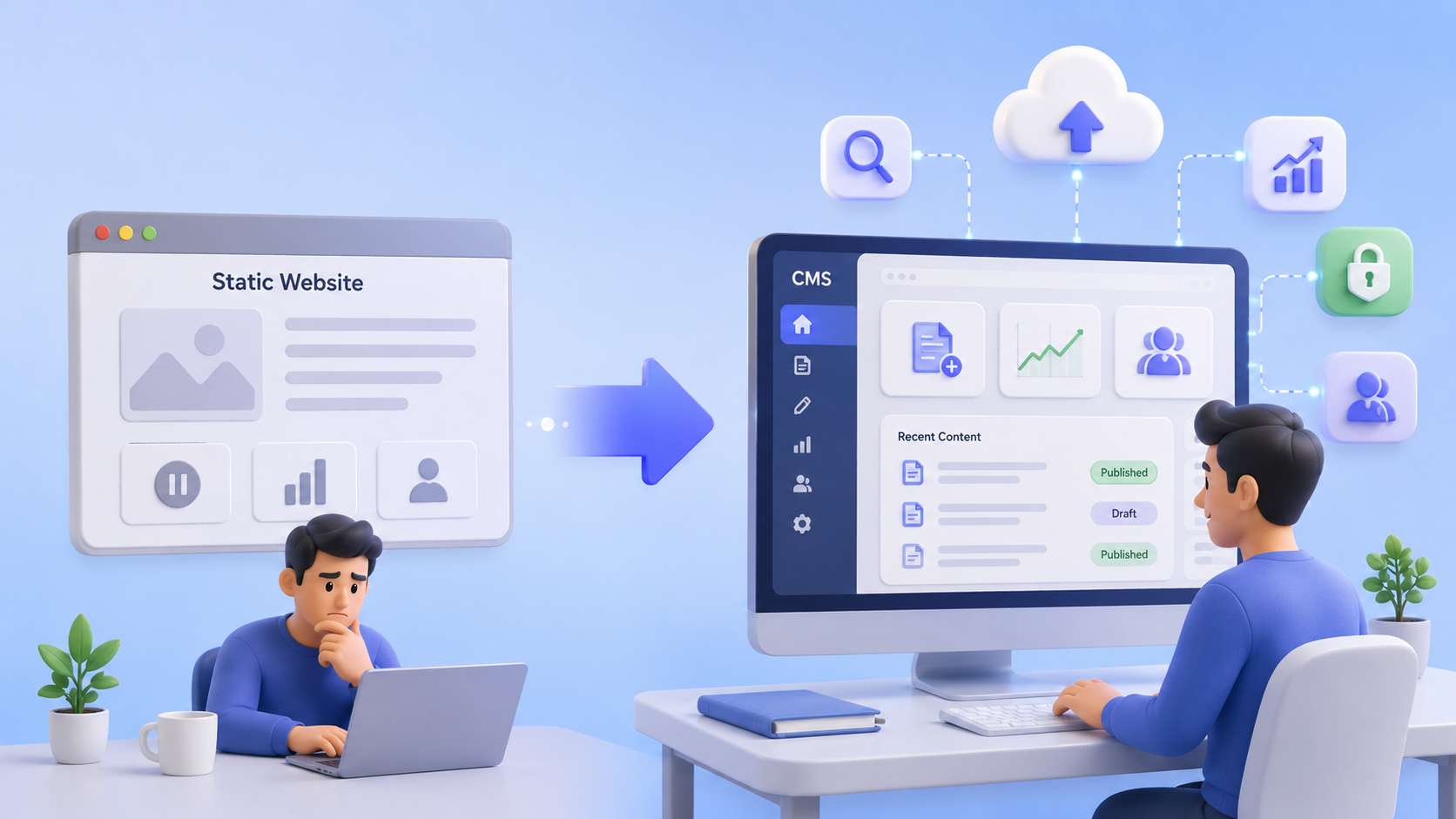
CMS vs Static Website and What Growing Service Businesses Should Choose
Compare CMS vs static websites for growing service businesses. Learn when a simple site is enough, when it limits SEO and leads, and how to choose the right setup for long-term growth.

CMS vs Website Builder and Which Is Better for Business Growth?
Compare CMS vs website builder options to see which is better for business growth, SEO performance, content scalability, and lead generation.
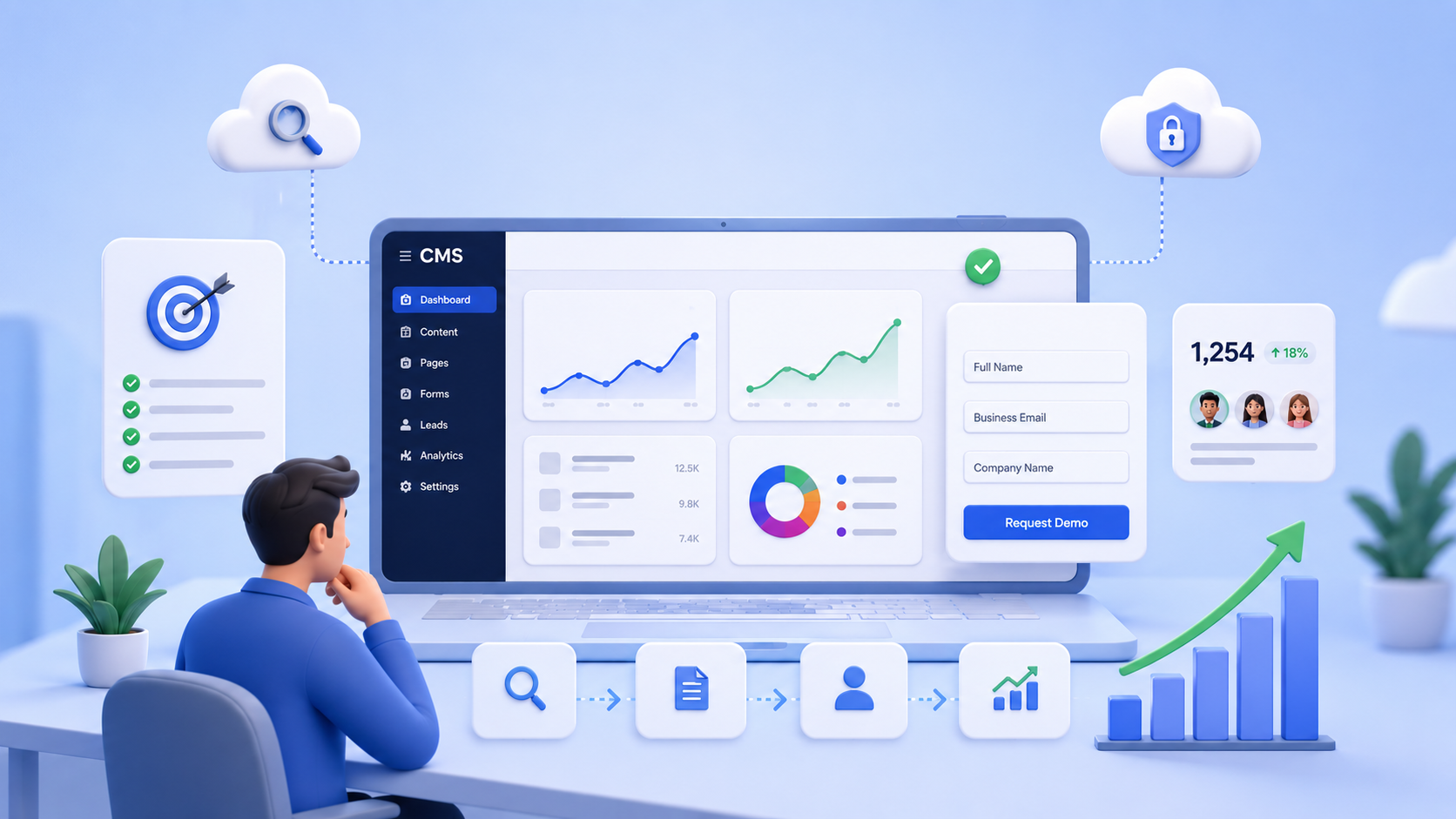
Best CMS for Lead Generation and What Small Businesses Should Look For
Learn how to choose the best CMS for lead generation. Understand SEO impact, content scalability, and how to select the right CMS for small business growth.