
Frontend Performance Optimization: Practical Techniques That Actually Work

Frontend Performance Optimization: Practical Techniques That Actually Work

A practical guide to frontend performance optimization from a product-owner and user perspective, with real-world techniques that moved the needle.

Mayur Tank
Mayur Tank7 Jan, 2026 · 8 min read

Introduction

As a frontend developer, one of your most important responsibilities is improving the performance of your application. Performance is not an optional enhancement or a cosmetic improvement. It directly affects user trust, engagement, and retention.

If an application feels slow, users lose patience. They hesitate to click, they abandon flows, and eventually they stop returning. In most real products, users do not complain loudly about performance. They simply leave.

When performance issues reach a product owner, the advice often sounds vague: write clean code, follow best practices, refactor components. While these suggestions are not wrong, they are incomplete. Clean code alone does not guarantee fast applications.

In this blog, I will discuss practical performance optimization techniques that actually moved the needle in our organization. These are not magic fixes. They are disciplined engineering decisions applied consistently.

Performance Optimization Techniques

The following techniques are practical improvements that delivered measurable results in real projects. They are not theoretical—they come from building real SaaS and enterprise-grade applications, observing build output, measuring bundle size, fixing bottlenecks, and iterating over time.


1. Use Proper Image Formats

One of the simplest and most underestimated performance improvements is choosing the correct image format.

Many developers assume that changing image formats has minimal impact. In reality, it has a direct effect on load time, rendering time, and perceived performance.

Traditional formats like PNG and JPEG are heavier and require more decoding work in the browser. When JavaScript loads and rendering begins, these images add overhead that delays meaningful paint.

Using WebP images significantly reduces file size while maintaining visual quality. WebP images are faster to decode and are well supported by modern browsers. This reduces the overall load time and improves the user's first impression of the application.

This change alone will not solve all performance problems, but it is a foundational improvement that should be standard in modern frontend projects.

2. Understand Your Build Output and Bundle Size

Build time is one of the most honest mirrors of your application's health.

When you build your application, the generated output tells a story. It reveals how large your JavaScript bundles are, how many routes are static versus dynamic, and where complexity is accumulating.

For most SaaS applications, a healthy JavaScript bundle size typically falls between 180 and 250 kilobytes. For enterprise-grade applications with heavy dashboards, charts, and data visualization, a size between 250 and 450 kilobytes can still be acceptable.

Problems arise when teams stop monitoring this altogether.

One common mistake is creating multiple layout files unnecessarily. Each additional layout adds overhead to the bundle and increases runtime cost. In most applications, a single well-designed layout is sufficient.

In Next.js, the route build output clearly distinguishes between static pages and dynamic or server-rendered pages. Static routes indicate predictable, cache-friendly behavior. Dynamic routes signal data mutations, backend dependencies, and runtime computation.

If your routing output aligns with your expectations, it usually means your architectural decisions are sound. If it does not, it is a warning sign worth investigating.

3. Caching Is Not Optional

Caching is not an advanced optimization. It is a baseline requirement for scalable applications.

If your application fetches data from a backend or database on every visit without caching, performance will degrade as usage grows. This affects both frontend responsiveness and backend load.

Caching allows you to reuse previously fetched data until it becomes stale. It reduces unnecessary network requests and makes navigation feel instant.

Effective caching strategies include server-side caching, client-side caching, and intelligent invalidation after mutations. The goal is not to cache everything forever, but to cache responsibly and refresh data only when it actually changes.

When implemented correctly, caching improves performance, reduces infrastructure cost, and enhances user experience simultaneously.

4. Manage External Scripts Carefully

External scripts are often introduced casually but can silently degrade performance.

Analytics tools, bot blockers, monitoring scripts, and third-party widgets all add execution cost. If they load at the wrong time, they block rendering or delay interactivity.

Every external script should have a clear loading strategy. Some scripts must load before the application starts. Others can wait until after the initial render or user interaction.

Treat external scripts as part of your performance budget, not as free additions.

5. Control Unnecessary Dependencies

Dependency management is a long-term performance concern, not just a setup task.

Many projects accumulate unused packages over time. These dependencies increase install size, slow builds, and add hidden runtime costs.

Regularly auditing dependencies helps keep the project lean. Tools that identify unused packages make this process straightforward.

Use tools like depcheck to identify unused dependencies in your project:

text
npx depcheck

Once you identify unused packages, remove them using:

text
npm uninstall <package-name>

Removing unnecessary dependencies reduces bundle size, simplifies maintenance, and lowers cognitive load for the team.

6. Lazy Loading and Dynamic Imports

Loading everything upfront is rarely the right strategy.

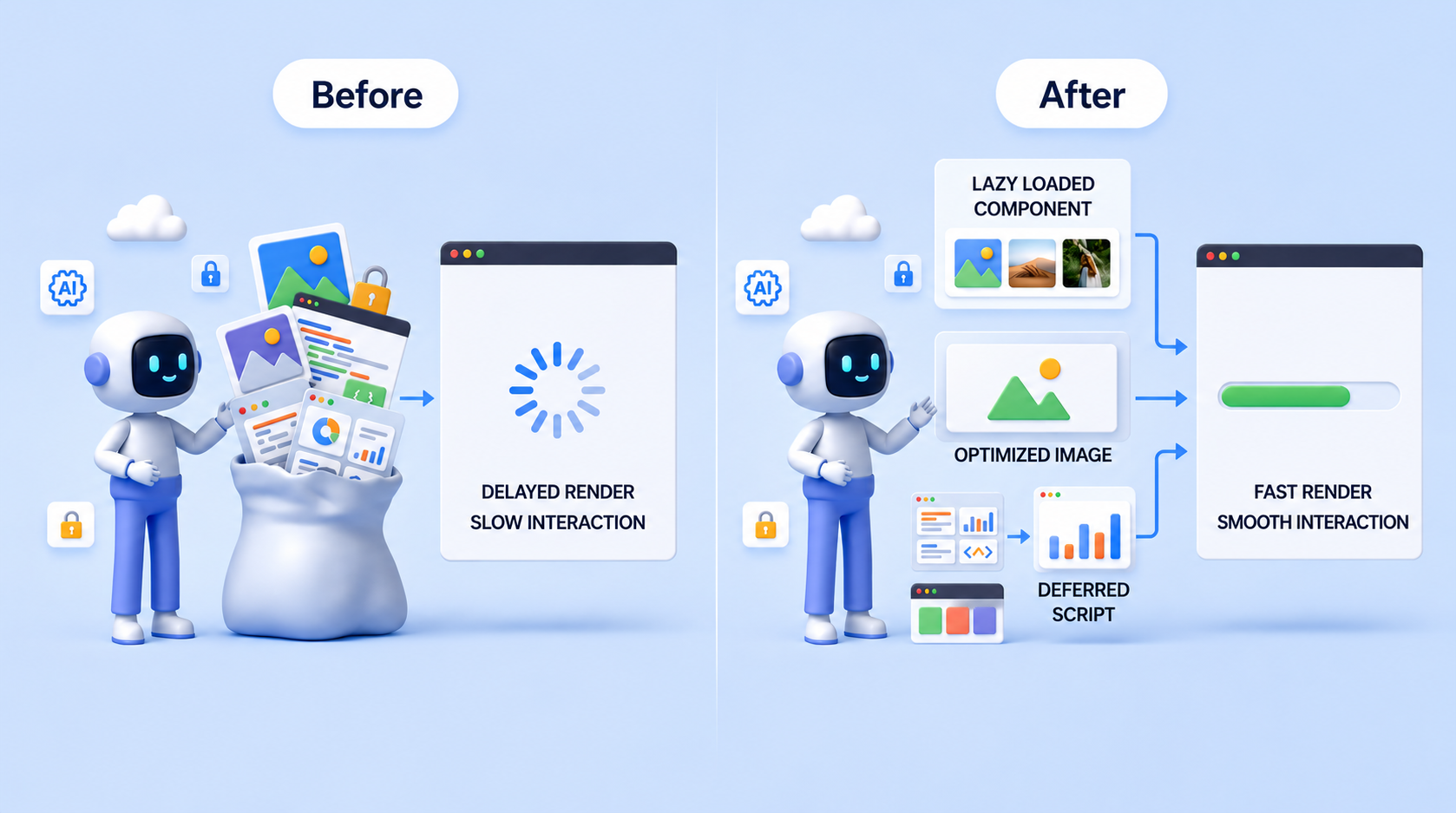
Components such as modals, complex forms, charts, and secondary features should not load unless they are actually needed. Without lazy loading, the application pays the cost of unused components on every visit.

In React, suspense mechanisms enable deferred loading. In Next.js, dynamic imports allow fine-grained control over when components are loaded.

Lazy loading images based on viewport visibility further improves perceived performance by prioritizing what the user sees first.

This approach does not reduce functionality. It simply aligns loading behavior with user intent.

Closing Thoughts

Performance optimization is not a checklist you complete once and forget. It is an ongoing engineering mindset.

The techniques discussed here are not exhaustive, and they will not magically transform a poorly designed application. They are practical improvements that delivered measurable results in real projects.

Not every application needs extreme optimization. But every application benefits from intentional decisions, continuous measurement, and a willingness to question assumptions.

If this blog encourages you to look at your build output, question your dependencies, or rethink how and when things load, then it has done its job.

Share :