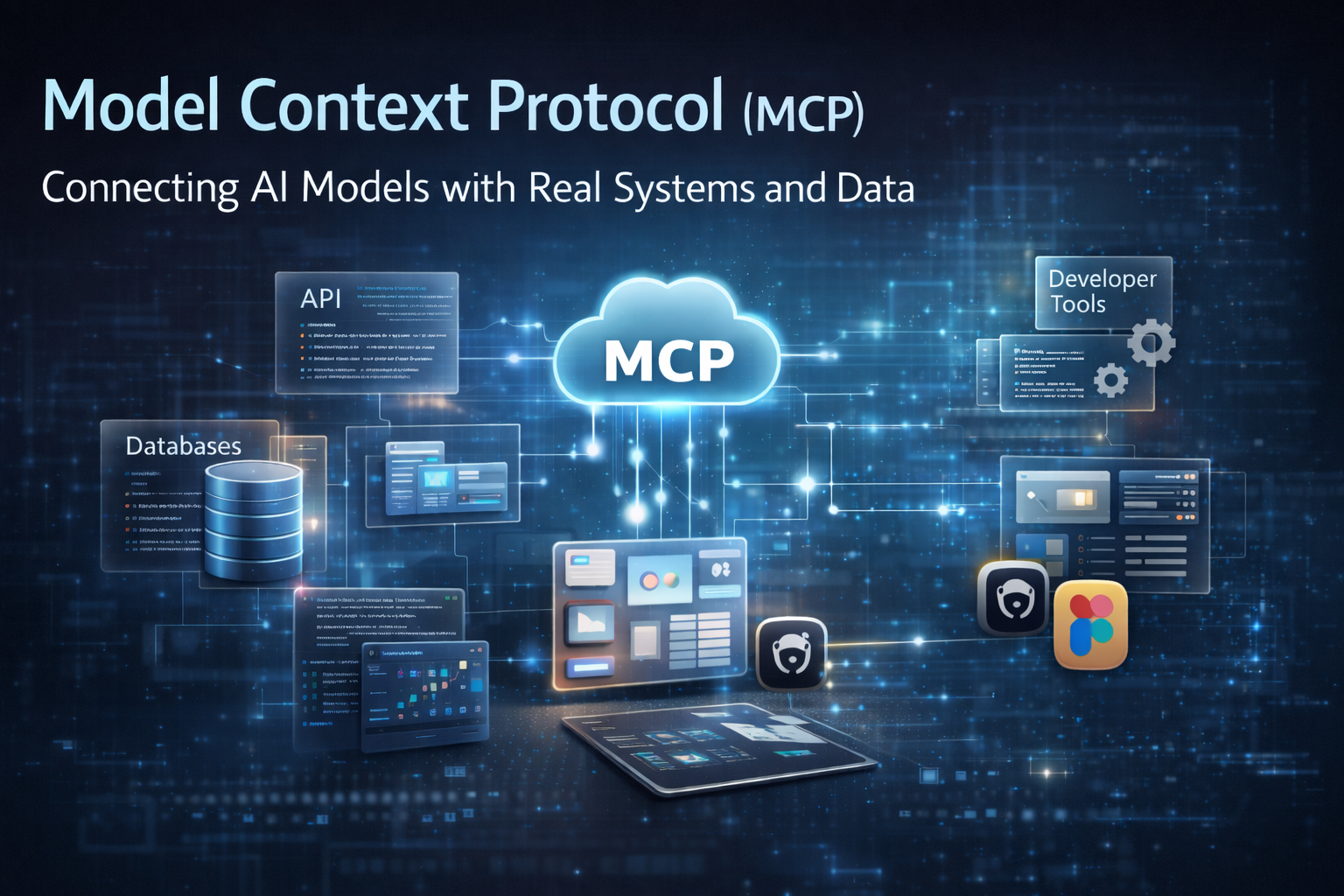
Model Context Protocol (MCP): Extending AI Beyond Its Training Data
How Model Context Protocol connects AI models with real systems, tools, and data turning AI from a passive assistant into an active engineering collaborator.

Introduction
Artificial Intelligence has become an integral part of modern development workflows. Tools like ChatGPT, Claude, and Cursor help developers write code, generate documentation, and even assist with debugging.
However, most AI models share a fundamental limitation: they only know what they were trained on. They do not naturally have access to your local files, GitHub repositories, Figma designs, server logs, or internal APIs.
Because of this limitation, AI can sometimes provide generic suggestions but struggle with real project context.
To address this gap, a new concept has emerged: Model Context Protocol (MCP).
MCP provides a structured way for AI systems to securely access external tools, resources, and real‑time data. Instead of relying only on training data, the AI can request information from systems that actually contain the current context.
In simple terms:
AI no longer works only from memory ,it can now ask systems for the information it needs.
The Core Limitation of Traditional AI Systems
AI models are excellent at pattern recognition and language understanding. They can generate code, explain concepts, and assist with many engineering tasks.
But they operate within strict boundaries.
For example, a typical AI model cannot automatically:
- Access your GitHub repository
- Read your local files
- Inspect your database records
- Analyze your server logs
- Understand your Figma design tokens
This lack of access creates a gap between AI capability and real‑world development needs.
Developers often need AI systems to interact with their tools and infrastructure, but traditional AI models cannot do this directly.
That is where Model Context Protocol (MCP) becomes important.
What is Model Context Protocol (MCP)?
Model Context Protocol (MCP) is a standardized way for AI applications to interact with external systems.
It acts as a bridge between an AI model and the tools or resources it needs in order to perform meaningful tasks.
Through MCP, AI can:
- Access files
- Call APIs
- Query databases
- Interact with developer tools
- Retrieve contextual data
Instead of embedding all knowledge inside the AI model, MCP allows the model to fetch context dynamically when required.
This dramatically increases the usefulness of AI in real workflows.
How MCP Works ?
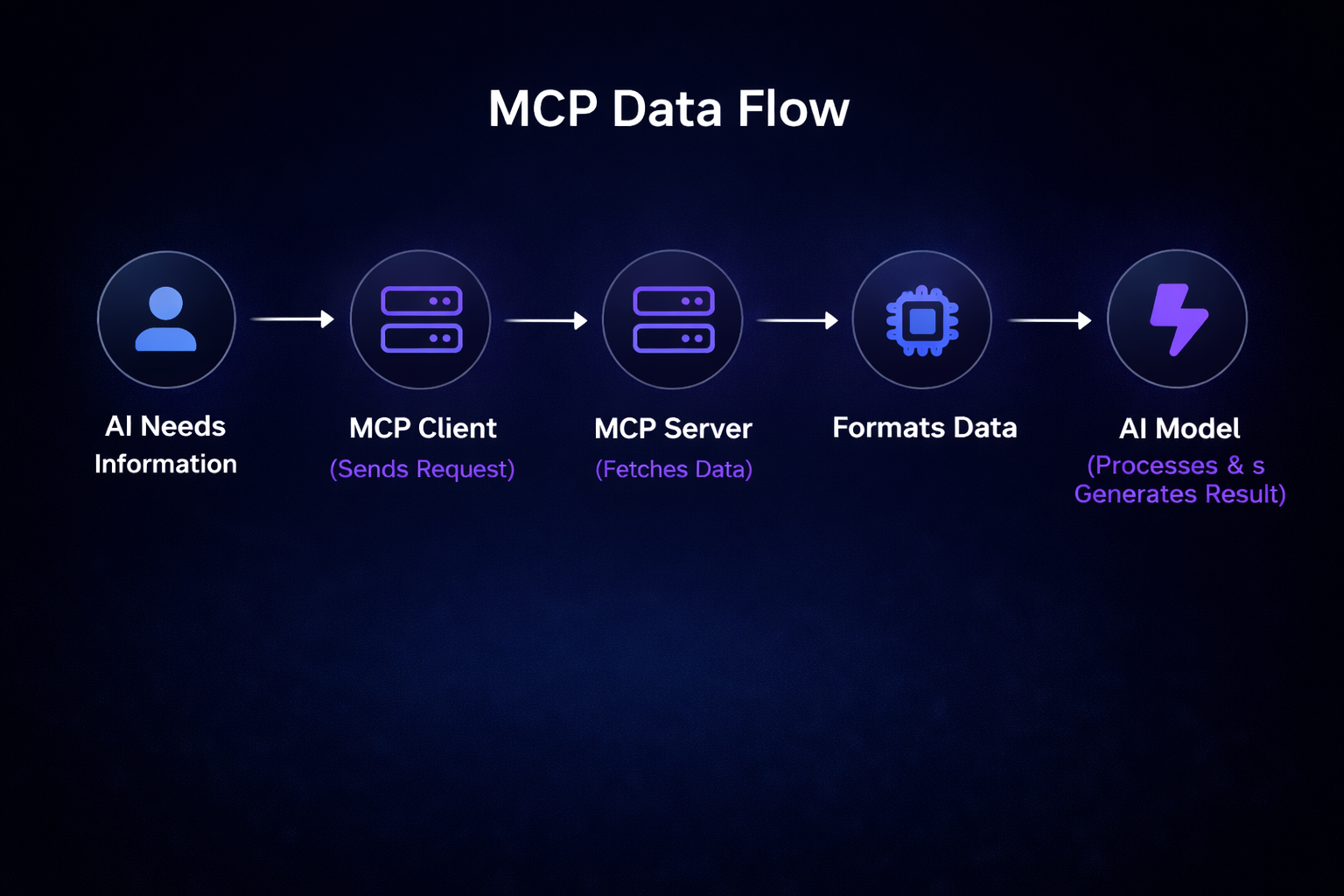
MCP typically follows a client–server architecture.
1. MCP Client
The MCP client is usually an AI application such as Claude Desktop or an AI development tool.It sends requests when the AI needs additional context.
2.MCP Server
The MCP server connects the AI to external systems such as:
- GitHub
- Databases
- Figma
- Local files
- APIs
The server fetches the requested information and returns it in a format the AI can understand.
The server fetches the requested information and returns it in a format the AI can understand.
3. Protocol Standardization
The protocol defines how communication happens between the AI and external systems, ensuring that tools can integrate consistently.
Practical Example: GitHub Code Review
MCP Data Flow
Imagine asking an AI assistant:
"Analyze my latest pull request and suggest improvements."
Without MCP, the AI cannot access the repository.
With MCP:
- 1The AI sends a request to the GitHub MCP server.
- 2The server retrieves the pull request code.
- 3The AI analyzes the actual codebase.
- 4It returns a structured review with suggestions.
This turns AI from a generic advisor into a context‑aware reviewer.
Where MCP Can Be Used
- Code review automation allows AI to analyze pull requests using repository context and suggest improvements based on existing code patterns.
- Automated testing enables AI systems to run UI or API tests through testing frameworks and evaluate the results automatically.
- Debugging production issues becomes faster as AI can analyze logs and monitoring data to identify root causes.
- Documentation generation allows AI to read repositories, APIs, and architecture diagrams to produce accurate documentation.
- Development tool integration enables AI to use structured context from tools like Figma, GitHub, and internal APIs.
My Real Experience Using MCP
While building the login page for one of my projects, I encountered an interesting challenge. I had a Figma design that needed to be replicated exactly in code.
Initially, I tried generating the UI using Cursor by describing the design through text prompts. I attempted this multiple times, but the generated interface was not fully accurate. The spacing, typography, and color usage did not perfectly match the original design.
At that point, I decided to try a different approach. Instead of relying only on text prompts, I connected a Figma MCP server to the development environment. This allowed the AI to access the actual design context directly from Figma.
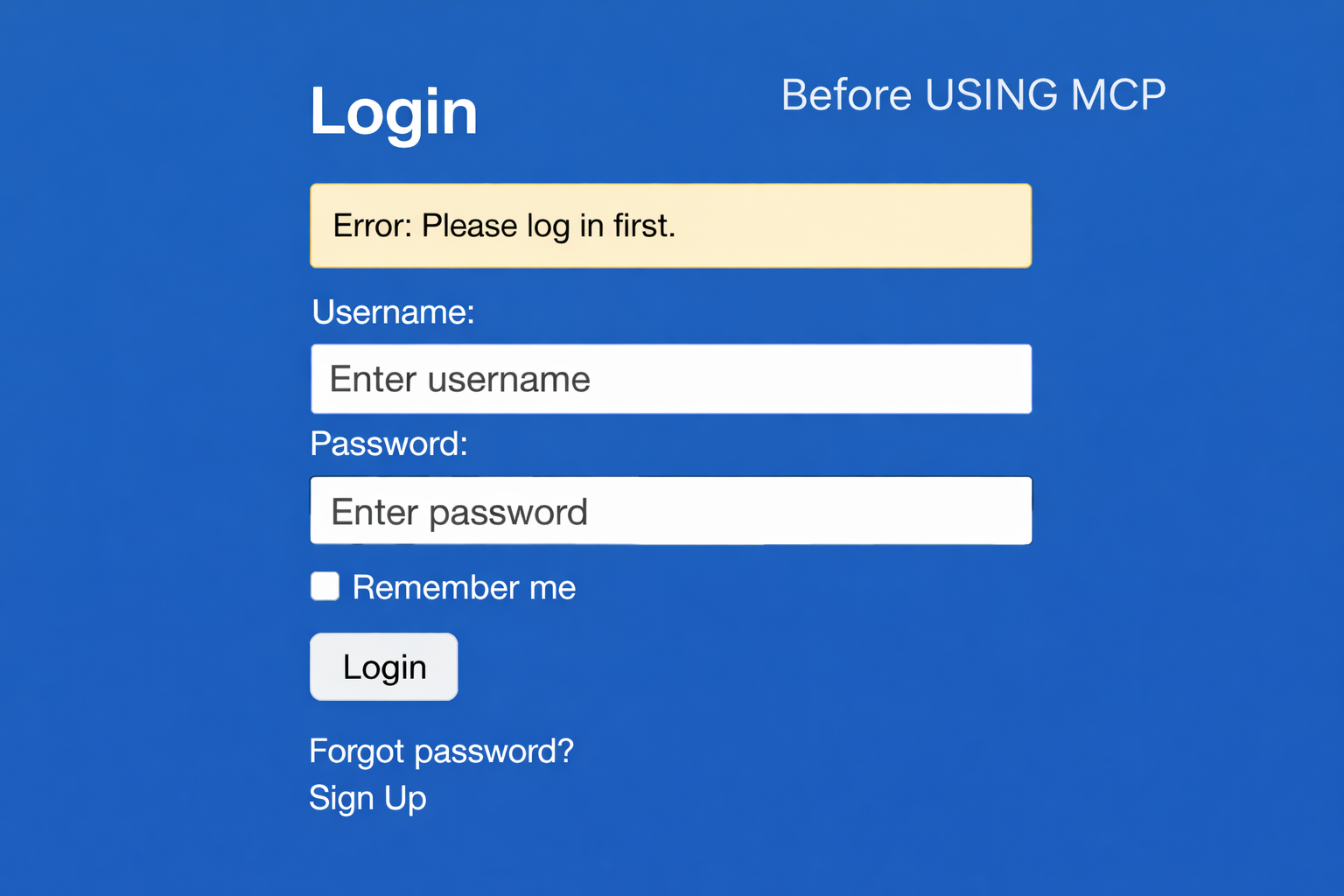
Once the MCP integration was enabled, the AI was able to directly access:
- Design tokens
- Colors
- Typography
- Spacing
- Component structure
With this contextual data available, the generated UI became dramatically more accurate.
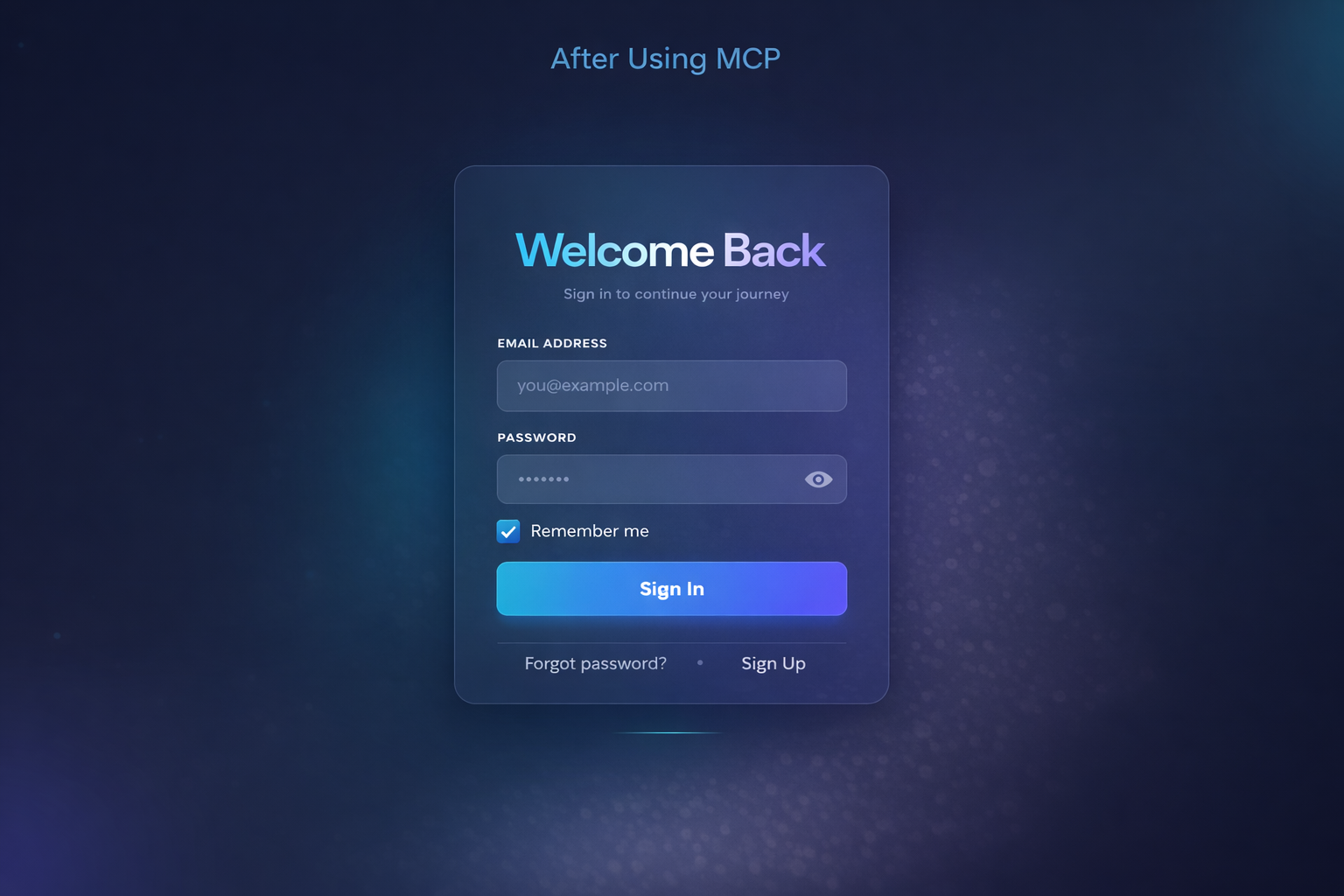
The difference was significant.
Previously, the AI was relying only on textual descriptions, which meant it had to guess many design details during UI generation.
After integrating MCP, it was able to read the design system directly from Figma, which clearly demonstrated the real value of MCP.
Why MCP Produced Better Results ?
The improvement was not magic; it was the result of having better context. Without MCP, the AI relies only on descriptions, which limits its understanding of the actual design details. With MCP, the AI can access structured design data directly, allowing it to generate results that are much closer to the intended design.
This includes:
- Exact color values
- Font families and sizes
- Component spacing
- Layout structure
Because the AI now had access to the same design information as the developer, it could generate a much more precise implementation.
Should You Use Existing MCP Servers or Build Your Own?
Developers have two primary options when working with MCP.
1.Using Pre‑Built MCP Servers
Many tools already provide MCP integrations, including:
- GitHub
- Figma
- File systems
- Databases
These are the fastest way to start experimenting.
2. Building Custom MCP Servers
Organizations can also build custom MCP servers to connect AI with:
- Internal APIs
- Private databases
- Business tools
- Monitoring systems
This allows AI to become deeply integrated with company workflows.
Conclusion
Model Context Protocol transforms AI from a knowledge-based assistant into a system that can work with real-world tools and data.
Key takeaways:
- AI models are powerful, but they are limited when they rely only on training data.
- MCP provides a structured way for AI to access external systems like APIs, files, and developer tools.
- This enables AI to work with real project context instead of assumptions.
- Integrations such as GitHub, Figma, and internal systems make AI significantly more useful in development workflows.
"The real future of AI development lies not only in smarter models, but in providing those models with the right context."
Featured Posts

How to Choose the Right Cloud Server for Your Business
Building your digital brand presence? If server pricing and plans feel confusing, this guide will help you choose the right server for your needs and budget.

OWASP Top 10 Security Risks Explained (Real Examples + Fixes)
Learn the OWASP Top 10 security risks with real-world attack examples like SQL Injection, XSS, and CSRF. Discover how to protect your web application from data breaches.
SSR vs SSG in Next.js: Differences, Advantages, Disadvantages, and Real‑World Use Cases
A Practical Architecture Guide to Choosing Between Server-Side Rendering, Static Site Generation, and Incremental Static Regeneration in Modern Next.js Applications